
1Panel Panel Deployment
Install 1Panel Panel
Install 1Panel Panel
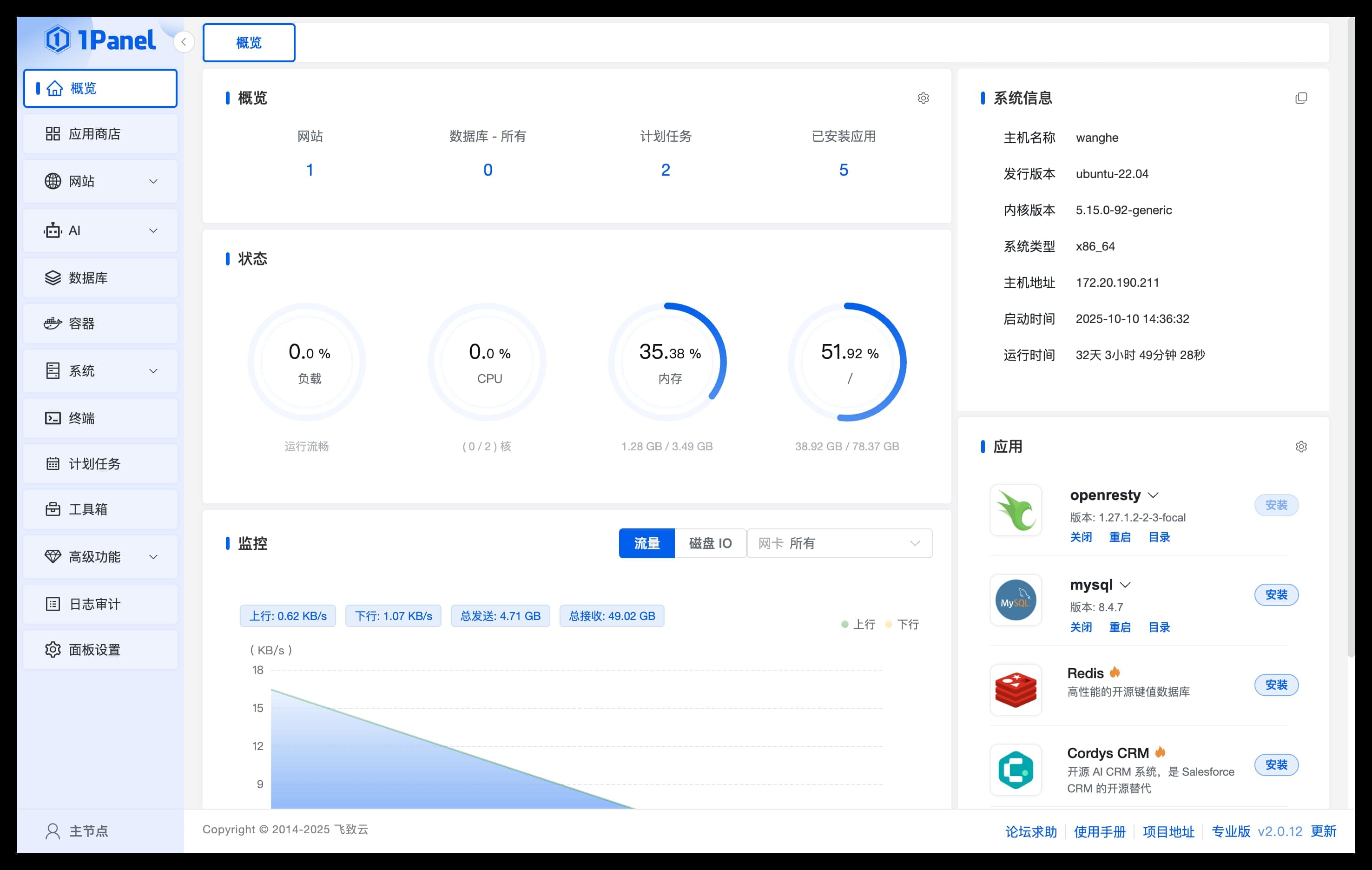
- For information on 1Panel installation, deployment, and basic features, please refer to the 1Panel Official Documentation - After completing the 1Panel installation and deployment, open your browser to the prompted URL to access the 1Panel panel.
Install NXAI
Search for Applications
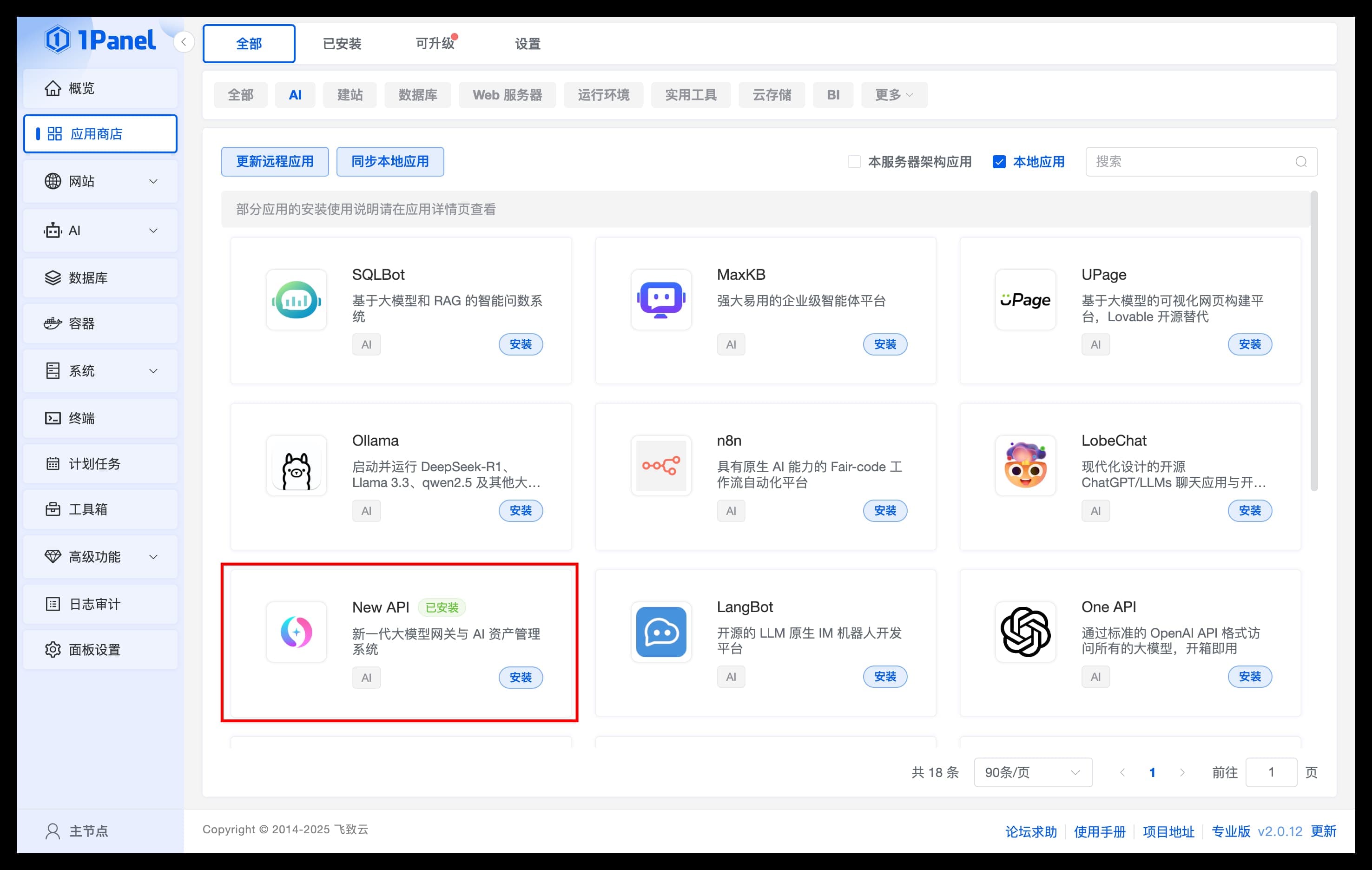
Go to the application list in the App Store, find the NXAI application under the [AI] category, and install it.
Install Application
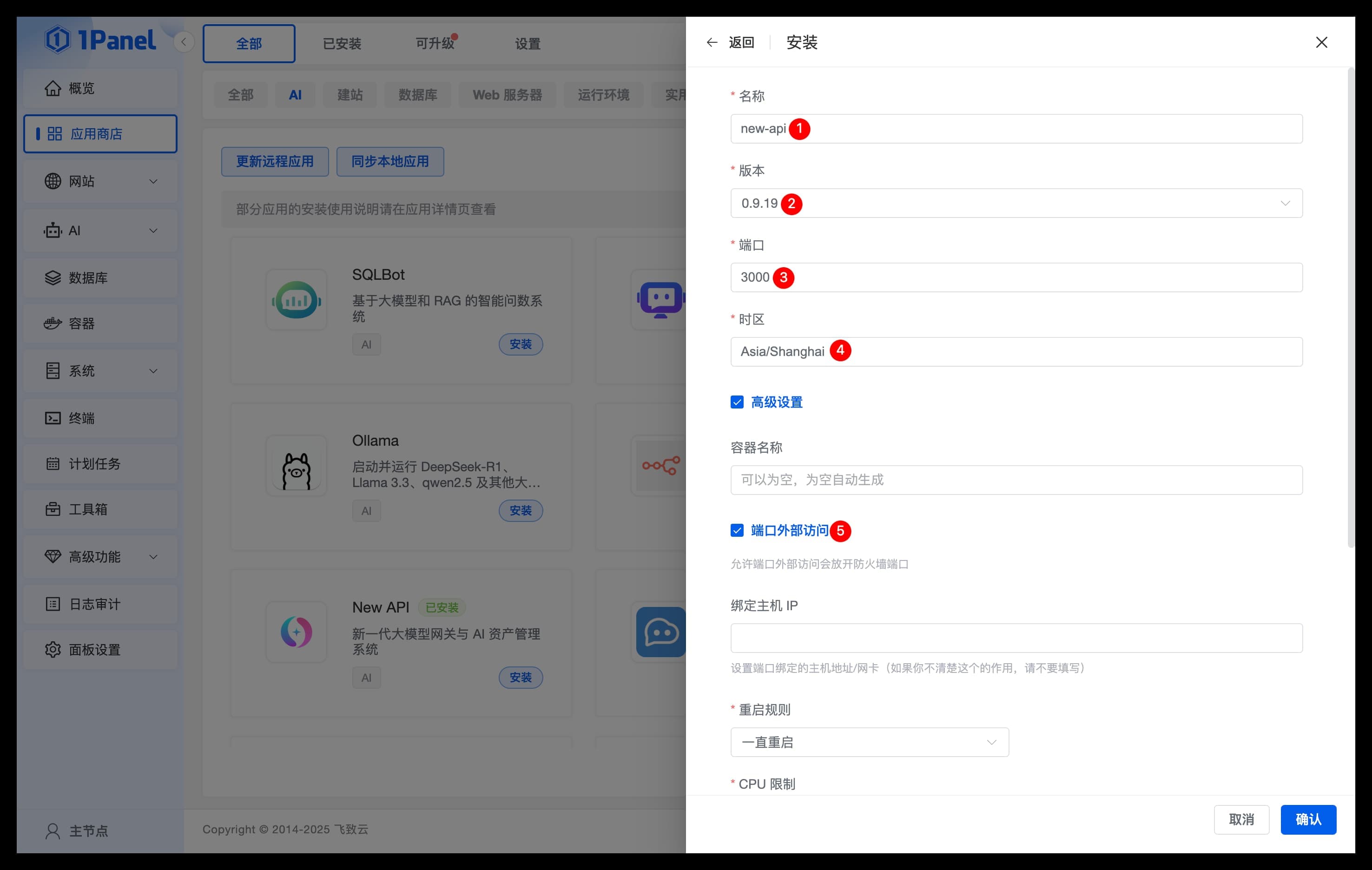
Configure NXAI application parameters on the installation page:
- Name: The name of the NXAI application to be created
- Version: Select the version of NXAI
- Port: The service port for the NXAI application
- Timezone: Enter the timezone where the server is located (default Asia/Shanghai)
- Advanced Settings: Be sure to check external port access
Confirm Installation
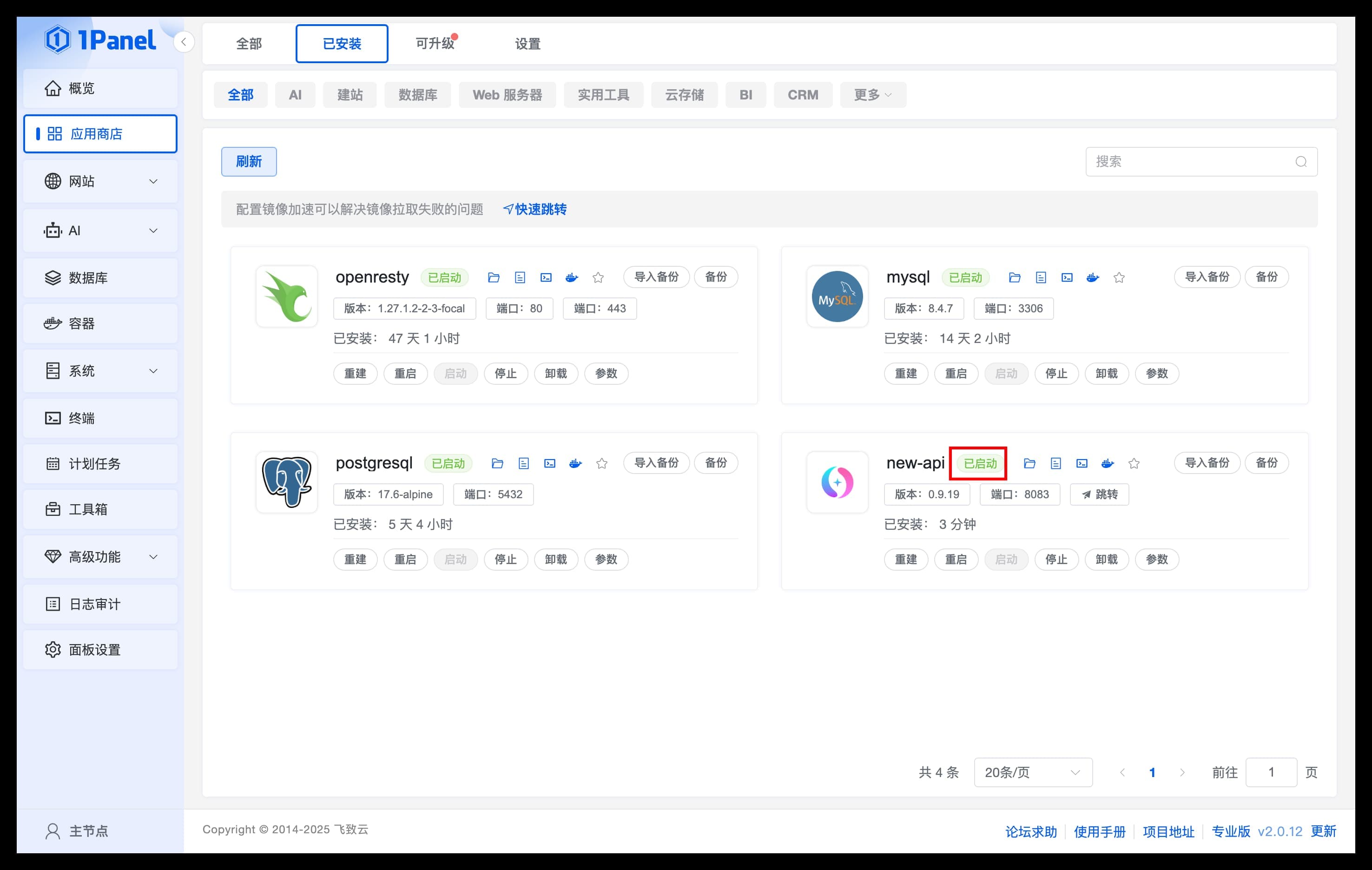
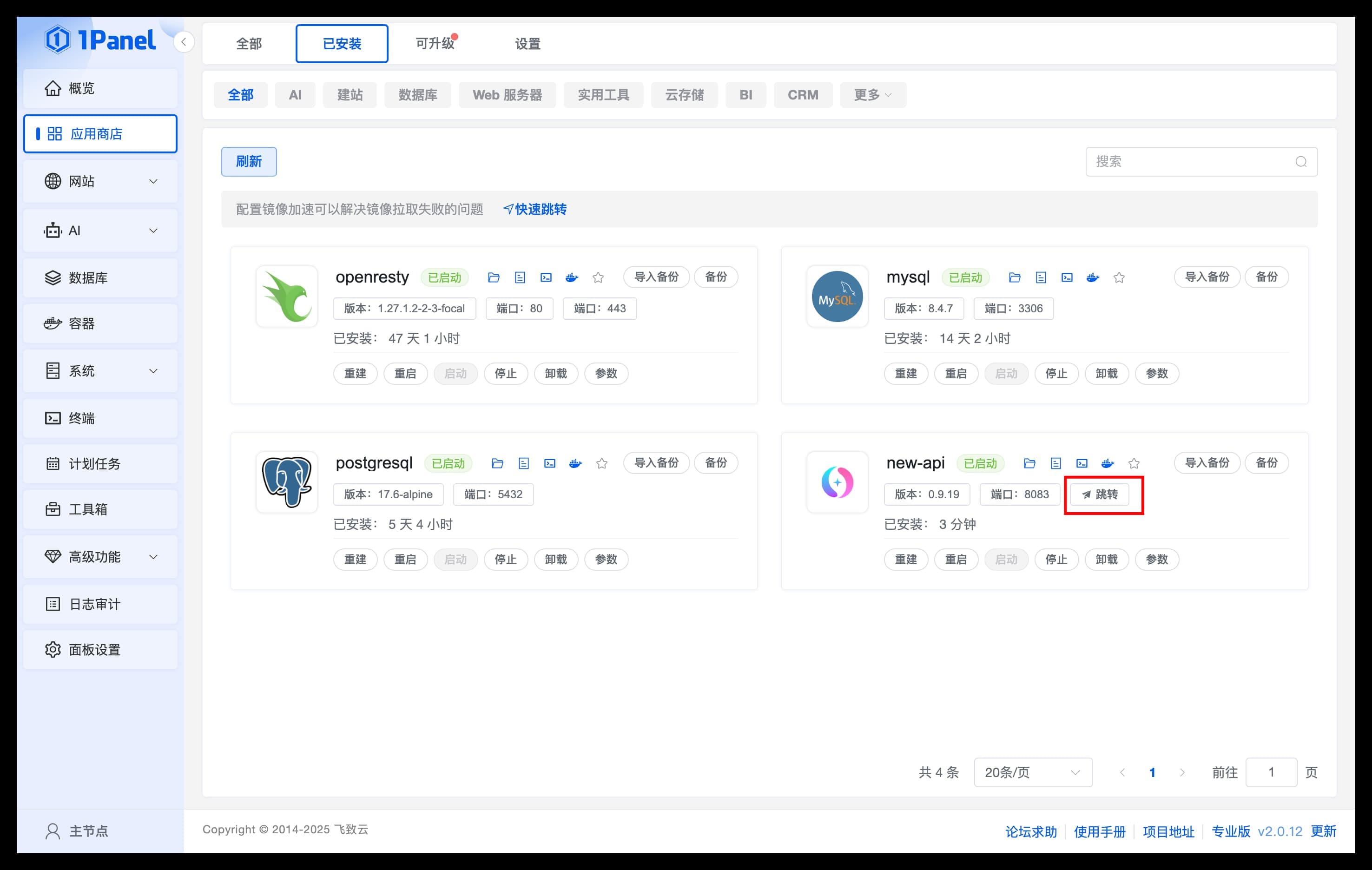
Click Confirm to start the installation. The page will automatically redirect to the installed applications list. Wait for the NXAI application status to change to Started.
Access NXAI
Access Application
- On the
Installedpage, clickJumpto enter the NXAI WebUI page. - Before use, it is recommended to set theDefault Access Addresson thePanel Settingspage.
How is this guide?
Last updated on